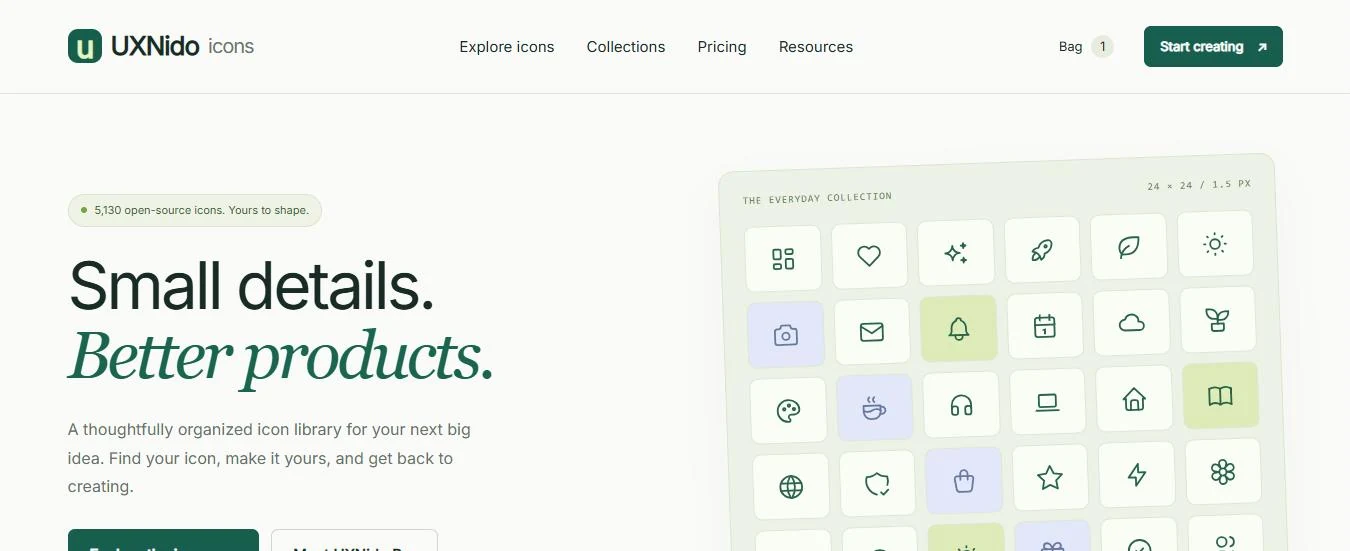
UXNido Icons is a place to find, restyle and export one of 5,130 open-source icons. It's also unusually clear about where those icons come from.
An icon has to match the product it goes into: the stroke weight, the colour, the size and the file format all have to be right.
The UXNido Design System in case study 02 carries a full open-source icon set. UXNido Icons takes that set and builds a product around the job people actually have: find the right icon, make it fit, and export it in the right format.
Icon systems are a recurring thread in my work. The agentic platform case study covers the icon library I modernised and the generator I built for it. UXNido Icons is a self-initiated, public-facing project in the same territory.
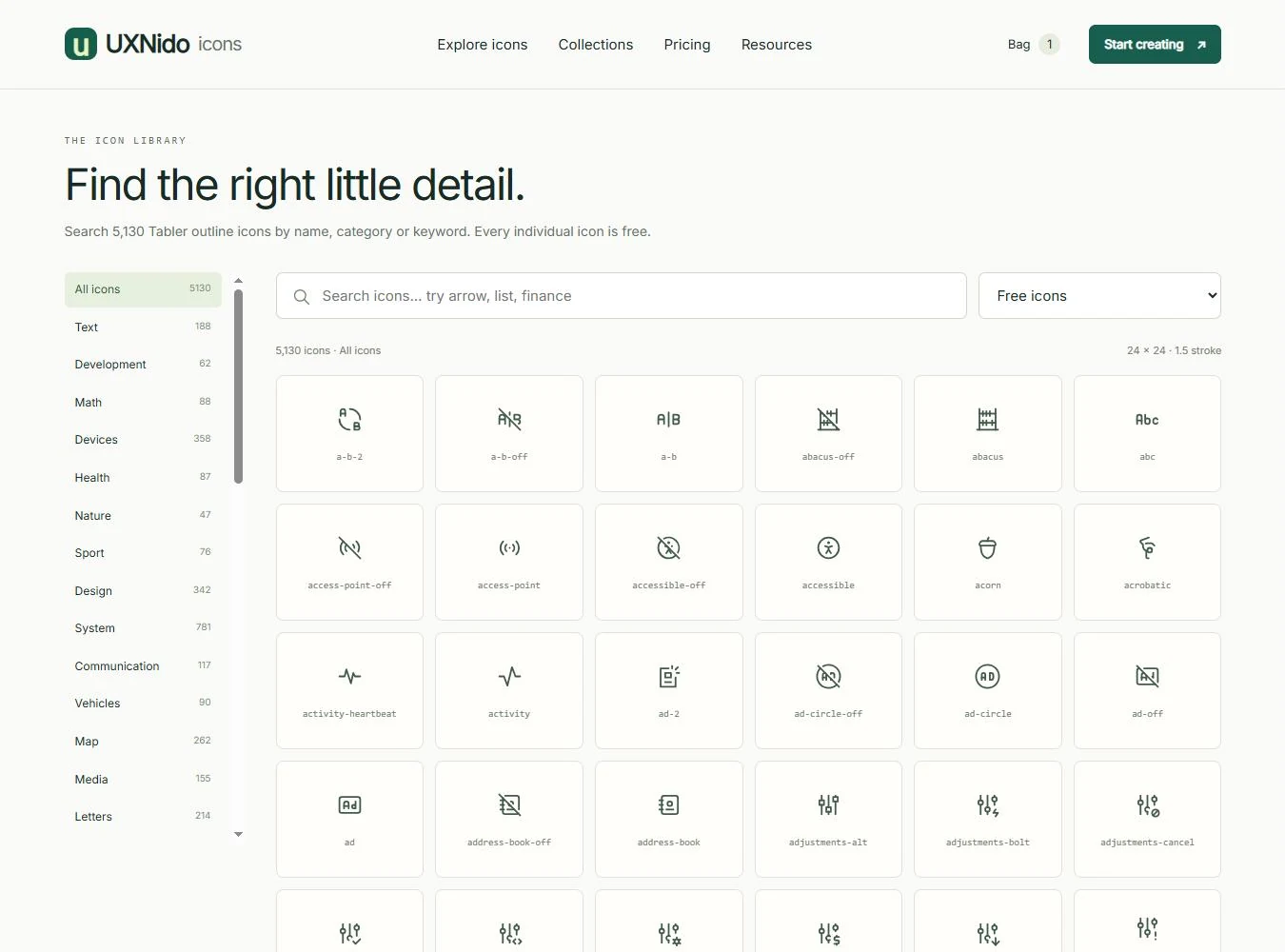
Nobody scrolls through five thousand icons. People needed search by name or keyword, categories with counts, and a stable URL for every icon so one can be shared.
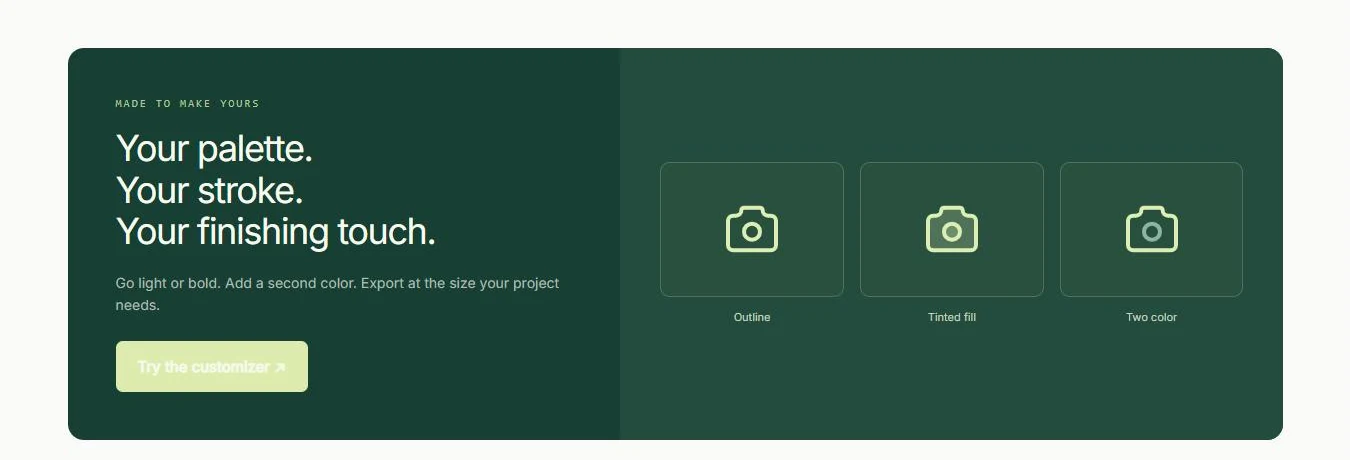
A filled or two-colour version isn't a separate drawing, so it has to be generated from the outline. That only works on some shapes, and the interface has to say so.
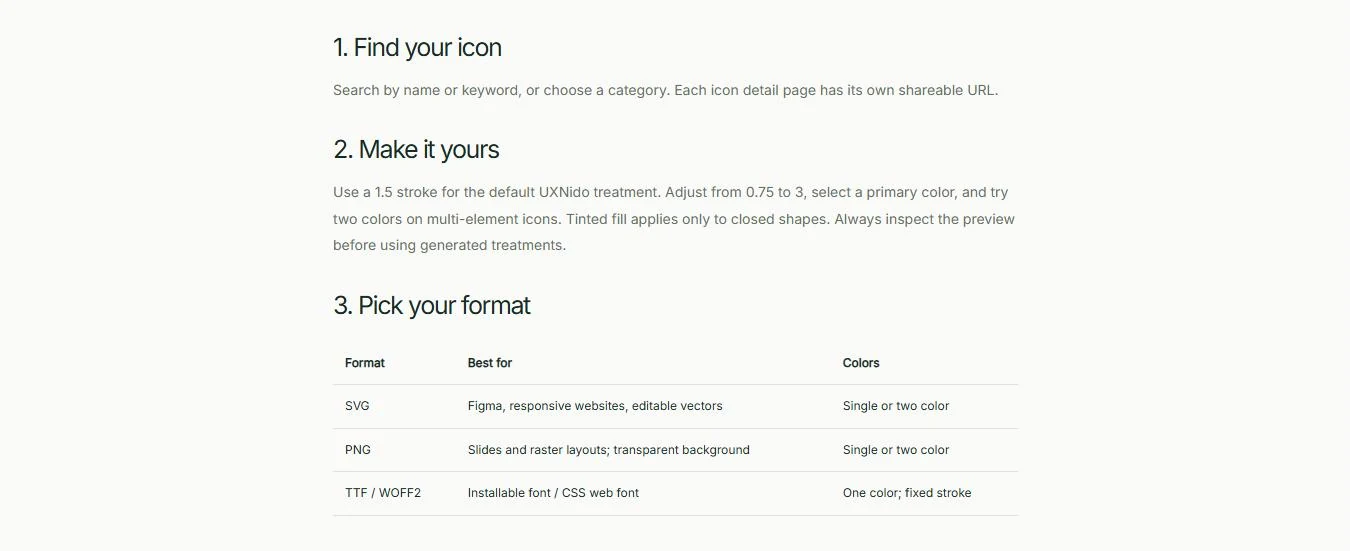
Figma and the web want SVG. Slides want a transparent PNG. Developers may want an icon font. Each supports different colour and stroke options.
The MIT licence allows commercial use and resale. The design problem was being clear about what a paid plan actually adds when the icons themselves are free.
The licence notice must stay with the file after it leaves the site, so the export flow has to carry it without anyone having to remember.
The home page opens with the words "open-source". Every icon page, the footer and a dedicated licence page name Tabler as the source. The licence page says it plainly: "They are not exclusive UXNido artwork."
That honesty shapes the pricing too. The paid plan is described as packaging, not artwork, and its terms can't take away rights the MIT licence already grants.
"One-time packaging fee. Open-source icons."
The Pro plan's own subtitle. What's for sale is the workflow, not the drawings.Search sits above the grid, with an example of what to type: "try arrow, list, finance". Categories run down the left with their counts, so you know the size of a category before you open it. Every result shows its real name in monospace, the same name a developer will use.
Each icon has its own page with a live preview on a 24 × 24 grid, the same icon shown at 16, 24, 32 and 48 px, and one panel of controls: appearance, stroke width, primary colour and a second colour.
"These are generated treatments, not separately drawn filled variants."
The customiser tells you what it's doing, so nobody mistakes an automatic fill for a drawn one.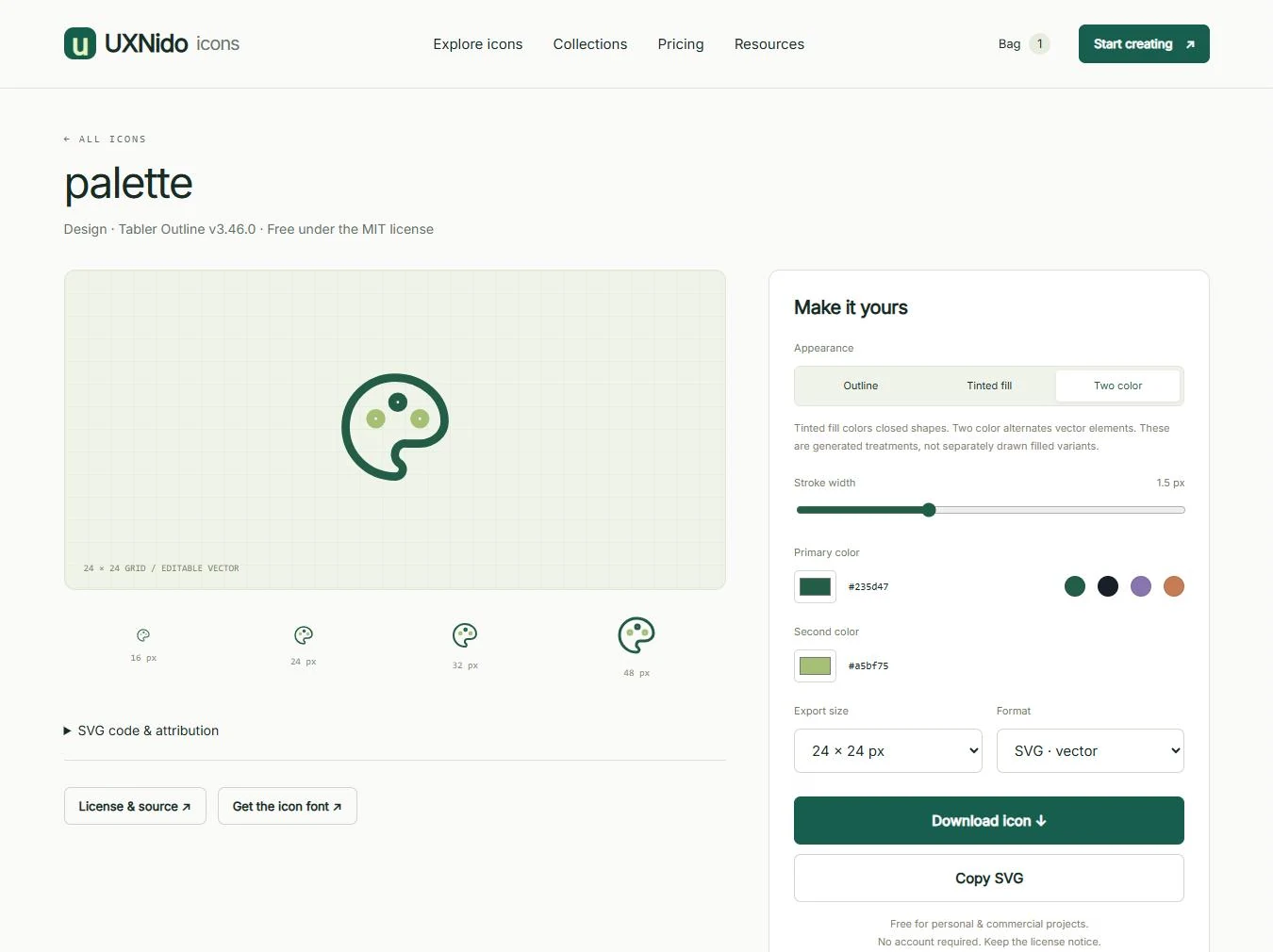
Pick a size from 16 to 512 px and a format, then download or copy the SVG. No account is needed. The licence comment stays inside every SVG, and a licence file downloads alongside every PNG.
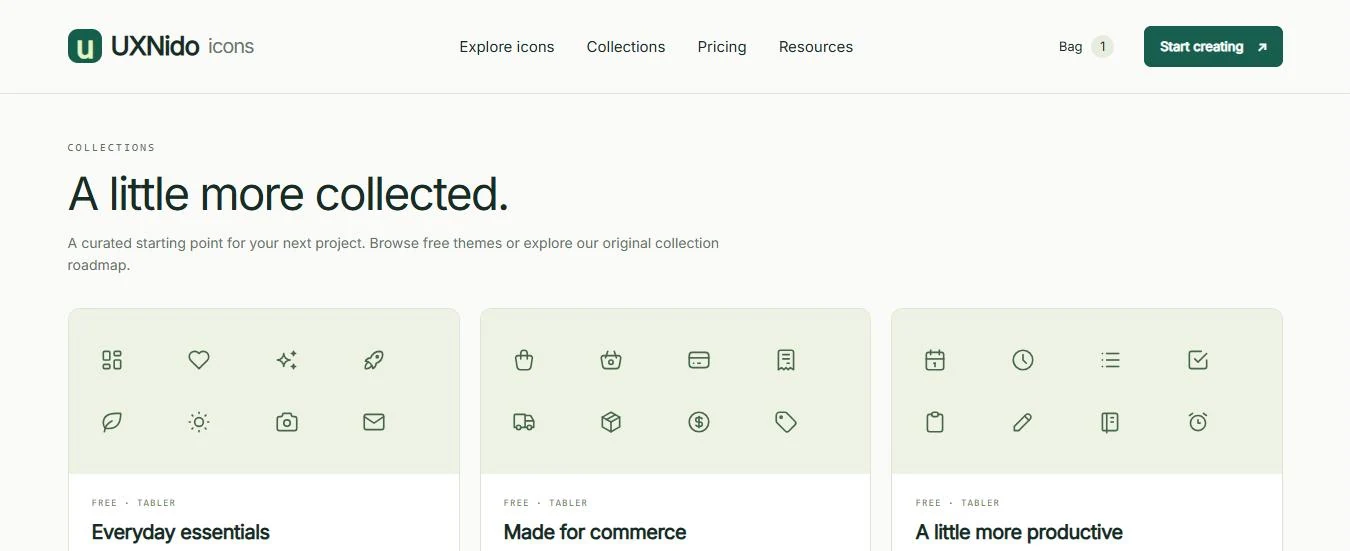
Five free, themed collections give people a starting point: everyday essentials, commerce, productivity, nature and direction. Each is labelled "Free · Tabler". A future original family, UXNido Originals, is marked as planned rather than implied to exist.
Individual icons are free for personal and commercial use. The paid plans are shown as planned, with a clear note that checkout isn't open.
Pro (US$9, one time) packages the full organised bundle, the icon font with CSS mapping and curated collections. Studio (US$79, one time) adds team conventions and onboarding. Both are marked as planned. The licence page separates what Pro would charge for from the rights that MIT already gives everyone.
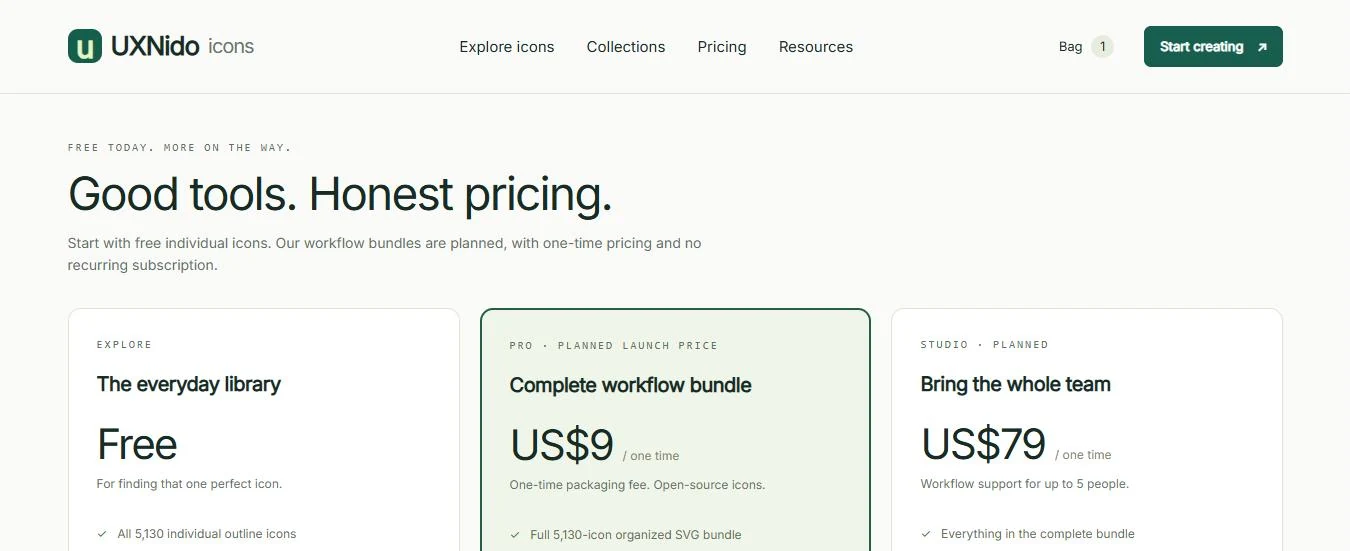
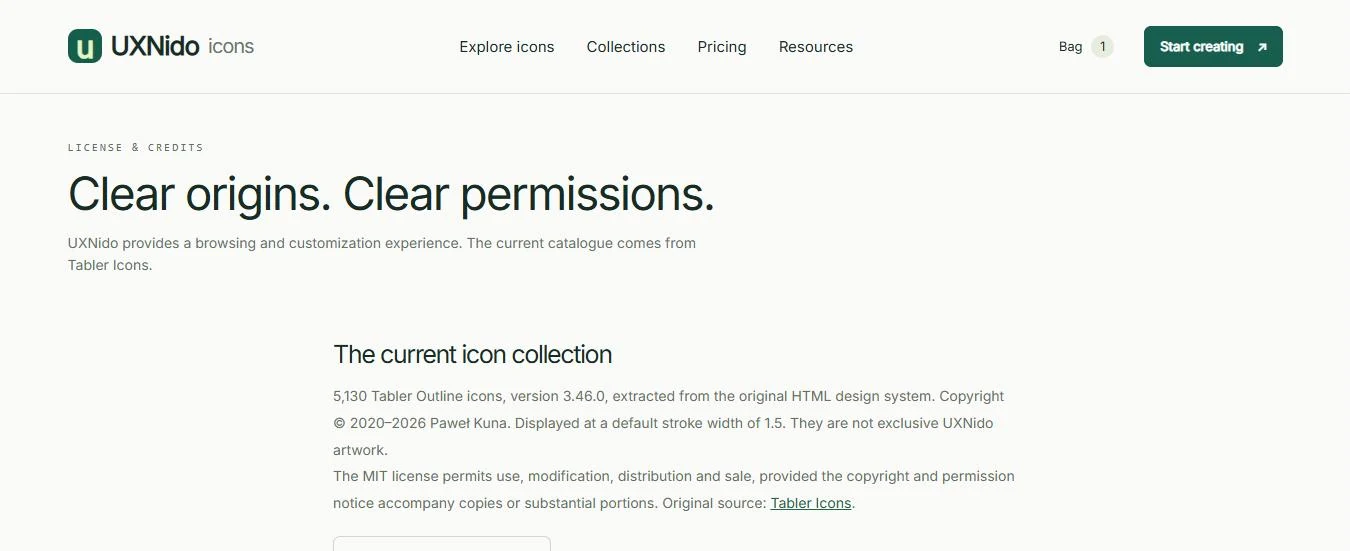
Left: pricing, with the paid plans labelled as planned. Right: the licence page, which names the source, version and copyright holder.
Use a visible text label for important actions. An icon on its own is a guess.
An icon-only button needs an accessible name. Decorative icons are hidden from screen readers.
An icon font must never be the only source of meaningful text.
5,130 Tabler Outline icons, version 3.46.0, copyright Paweł Kuna, under the MIT licence. UXNido displays them at a 1.5 px stroke. They are not exclusive artwork.
The information architecture, search and categories, the customiser and its rules, the export flow, the collections, and the way pricing and licensing are communicated.
Checkout isn't open. No sales, revenue or user numbers are claimed.
UXNido Originals, an original premium family, is in development. It will ship with its own licence if and when it's ready.
Search the library, restyle an icon in two colours and export it at the size you need.